
What Are You Looking For?

Can UPS print my label if I don't have a printer?
When shipping returns, e-commerce orders, or everyday parcels, you often need to print a shipping label. But what if you don’t have access to a printer, or need to ship a package urgently? Don’t worry! UPS (United Parcel Service) provides in-store label printing services, allowing you to ship smoothly even without your own printer.
Today, we’ll answer this practical question: Can UPS print my label if I don’t have a printer?
The answer is: Absolutely yes! Even without a printer, you can still ship with ease—UPS offers on-site label printing services to help you send packages hassle-free.
How UPS Solves the “No Printer” Shipping Challenge
Method 1: Create Online & Print In-Store (Most Common)
This is the most flexible and recommended option.
Place Your Order Online: Visit the UPS website (ups.com) or use the UPS mobile app.
Create a Shipment: Enter sender and recipient details, select a service (e.g., Next Day Air, Ground), and complete payment.
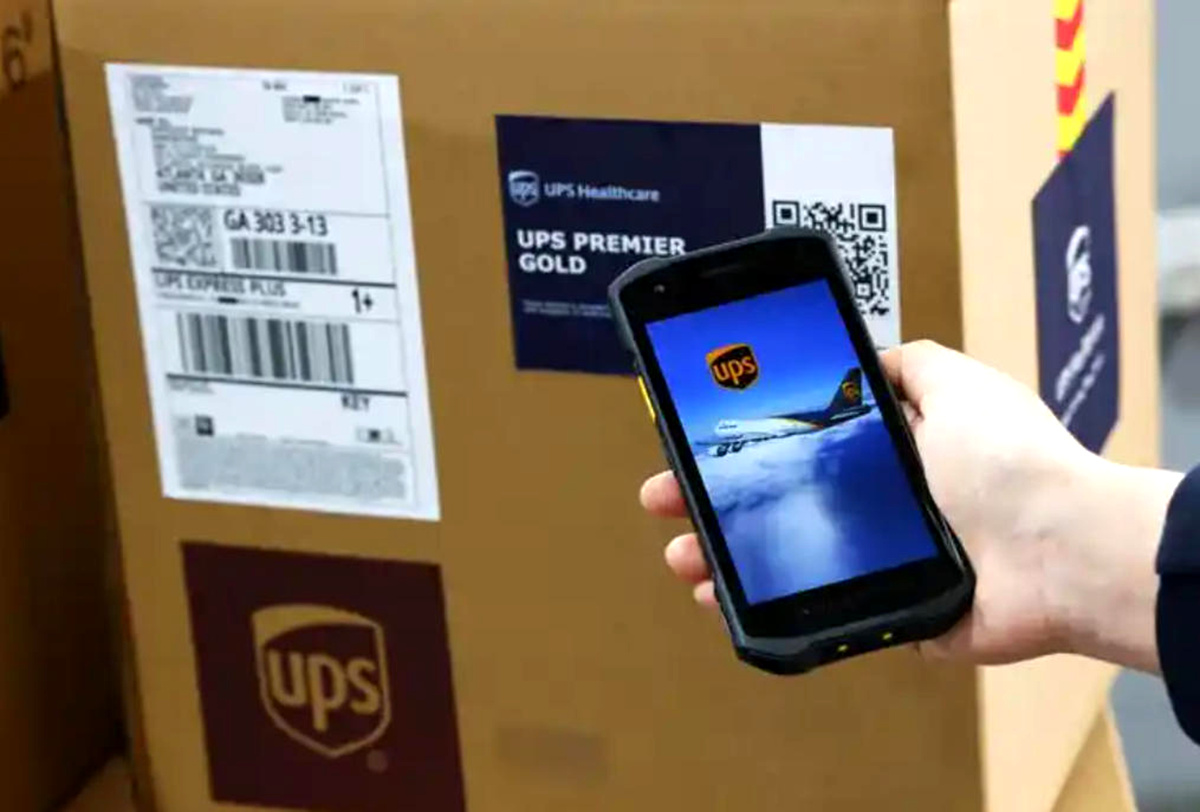
Get Your Electronic Label: After successful payment, UPS will generate a digital shipping label, typically sent to your email as a PDF or stored in your app as a QR code.
Visit a UPS Location: Bring your package and your smartphone, tablet, or laptop showing the electronic label to the nearest UPS location (such as a UPS Store, UPS Customer Center, or partner retail outlet).
Print On-Site: Inform the staff you need to print a label. They’ll use their equipment to print the official UPS shipping label and attach it to your package.
Advantage: Flexible and efficient—prepare ahead of time to save minutes at the store.
Method 2: Ship Directly at a UPS Store
If you haven’t created a label yet, just go straight to the store.
Bring Your Package: Carry your item and the recipient’s information.
Process In-Store: A UPS representative will create the shipment for you, weigh your package, provide a quote, and process the order.
Pay & Print: After payment, the staff will print the shipping label on-site and affix it to your parcel.
Advantage: Full-service solution—no preparation needed, ideal for last-minute shipments.
Method 3: Use the “Reprint Label” Service
If you’ve already placed an order but lost or damaged the label, simply visit a UPS location, provide your tracking number, and request a reprint.
Tips & Notes
Check Locations First: Use the “Find Locations” tool on the UPS website to confirm that your nearby store offers printing services (most do).
Have Info Ready: Whether online or in-store, be prepared with accurate recipient name, address, and phone number.
Bring Your Device: If using Method 1, ensure you have a smartphone, tablet, or laptop to display the digital label.
Small Service Fee: Some locations may charge a nominal fee for printing (typically a few RMB), depending on local policy.
Packaging Services: UPS Stores also offer professional packing materials and packing assistance—if your item needs special protection, this service is available too.
Conclusion
The answer is clear: Even without a printer, UPS can print your shipping label and help you complete your shipment. Whether you create the label online and print it in-store, or handle everything on-site, UPS provides convenient, reliable solutions.


 Lianqian Neighborhood, Siming District, Xiamen, Fujian,
China 361008
Lianqian Neighborhood, Siming District, Xiamen, Fujian,
China 361008 Tel: 0086-13395056294
 Email: sinitan@foxmail.com